Dithering and linearization
The earlier guide pages cover the main drawing and composition APIs. This page gathers the supporting features that complete a print-oriented workflow.
Dithering
Many output devices cannot print a full continuous tone at every pixel. Ordered dithering converts a continuous-tone image into something the device can reproduce.
The Graphics Library uses ordered dithering with blue-noise style screens generated by a void-and-cluster process.
That gives you several practical benefits:
- deterministic output,
- suitability for high-speed production,
- a good fit for CPU and GPU processing,
- fewer obvious repeating grid artefacts than simple ordered patterns.
Use jett::create_screens(), jett::save_screens(), and jett::load_screens() to manage those screens.
Why screen size matters
Small screens are quicker but can show visible repetition. Larger screens can look better, but take longer to generate and use more memory.
Using slightly different screen sizes for different colour planes helps reduce the chance of visible alignment patterns.
Linearization
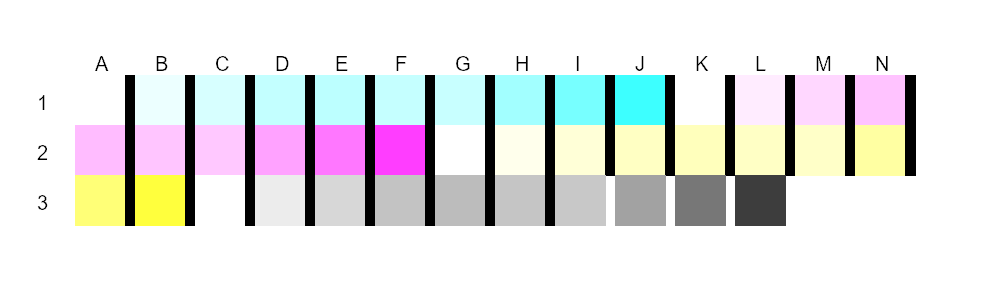
Real printers are not perfectly linear. A requested 50 percent tone often does not print as a visually perfect 50 percent tone.
An jett_linearization object stores per-channel tone correction curves. Use linearization when you have measured output from the target device or when you need tonal consistency.
Colour conversion answers what colour to ask for; linearization answers what device value will actually produce it.
A complete print-oriented workflow
- load or create the source images,
- attach profiles,
- build and reuse colour transforms,
- compose the page with bitblt, polygons, lines, and text,
- apply clipping where needed,
- linearize if printer response needs correction,
- dither into the final printer-friendly planes,
- save or hand off the final output.